
Welcome to the comprehensive guide for the Mystake app, your portal to a dynamic online casino experience. This manual is designed for both newcomers and seasoned players, offering technical insights into app functionality, registration, and strategic bonus utilization. The Mystake platform is renowned for its extensive game library and user-friendly interface, and this guide will help you master its mobile application efficiently.
Before you start: Ensure a smooth setup by verifying these prerequisites:
- A compatible iOS or Android device with updated OS.
- Stable internet connection for seamless gameplay and Mystake login.
- Valid identification for account verification, adhering to regulatory standards.
- Understanding of local gambling laws to ensure legal participation.
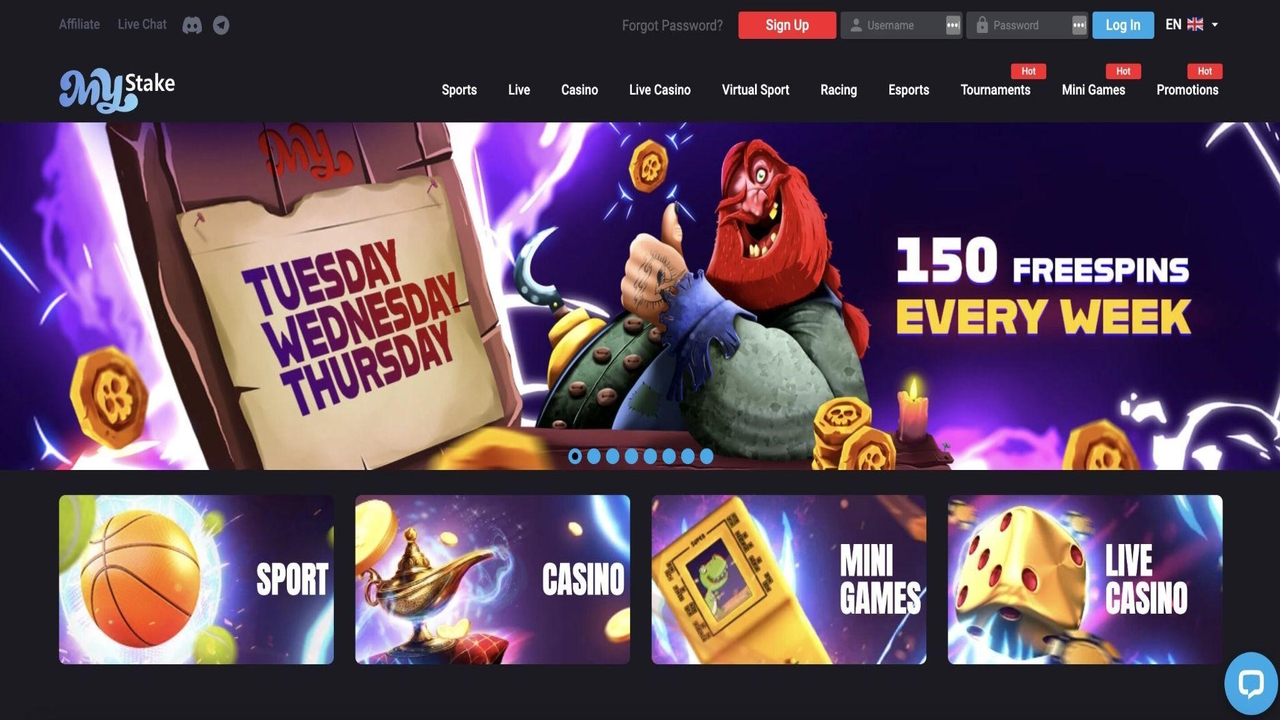
Step-by-Step Registration Process
To access the Mystake app, you must first create an account. Follow these detailed steps:
- Visit the official Mystake website via your mobile browser or download the app directly.
- Click the ‘Sign Up’ button and enter required details: email, password, and currency preference.
- Verify your email through a confirmation link sent to your inbox.
- Complete KYC (Know Your Customer) by uploading identification documents, such as a passport or driver’s license.
- Make an initial deposit using available payment methods to activate bonuses and start playing.
Ensure accuracy during Mystake login credentials setup to avoid future troubleshooting issues.
Mobile App Installation and Features
The Mystake app is optimized for mobile devices, offering a streamlined experience. Here’s how to get started:
- For Android: Download the APK file from the Mystake website, enable installation from unknown sources in settings, and install the app.
- For iOS: Access via Safari browser or download from the App Store if available in your region, ensuring device compatibility.
Once installed, the app provides features like push notifications for bonuses, touch ID for secure Mystake login, and a responsive design for gaming on the go. It includes access to slots, live casino games, and sports betting, all with intuitive navigation.
| Category | Details |
|---|---|
| License | Curacao eGaming License |
| Supported Devices | iOS 11+, Android 5.0+ |
| Game Providers | NetEnt, Pragmatic Play, Evolution Gaming |
| Payment Methods | Cryptocurrency, Credit Cards, E-wallets |
| Customer Support | 24/7 Live Chat, Email |
| App Size | Approx. 50 MB (varies by device) |
Bonus Strategy and Calculation Example
Mystake offers a welcome bonus, typically a 100% match up to €500 with a 40x wagering requirement. To maximize this, understand the math: If you deposit €200, you receive €200 bonus, totaling €400. Wagering requirement = bonus amount × multiplier = €200 × 40 = €8000. You must bet €8000 before withdrawing winnings. Focus on low-house-edge games like blackjack (RTP ~99%) to meet requirements efficiently. Note that bonus terms vary, so always read the fine print.
Frequently Asked Questions (FAQ)
Q1: How do I fix Mystake login issues?
A: Clear your app cache, update to the latest version, or reset your password. Ensure correct credentials and stable internet. Contact support if problems persist.
Q2: Is the Mystake app safe to use?
A: Yes, it employs SSL encryption for data protection and operates under a Curacao license, ensuring fair play and security audits.
Q3: Can I use the same account on desktop and mobile?
A: Absolutely, your Mystake login credentials sync across devices, allowing seamless transition between app and website.
Q4: What if I encounter app crashes?
A: Troubleshoot by reinstalling the app, checking device storage, or disabling conflicting apps. Regular updates often fix bugs.
Q5: Are there fees for withdrawals on the app?
A: Fees depend on the payment method; e-wallets like Skrill usually have none, while bank transfers may incur charges. Check the banking section for details.
Conclusion
Mastering the Mystake app involves understanding registration, leveraging mobile features, and applying bonus strategies wisely. This guide provides a technical foundation for navigating setup, login, and gameplay. Always gamble responsibly and refer to official resources for updates. With this knowledge, you’re ready to explore the Mystake platform efficiently and securely.